SwipeKeep app icon

Utilities

Photo Delete Swipe: SwipeKeep

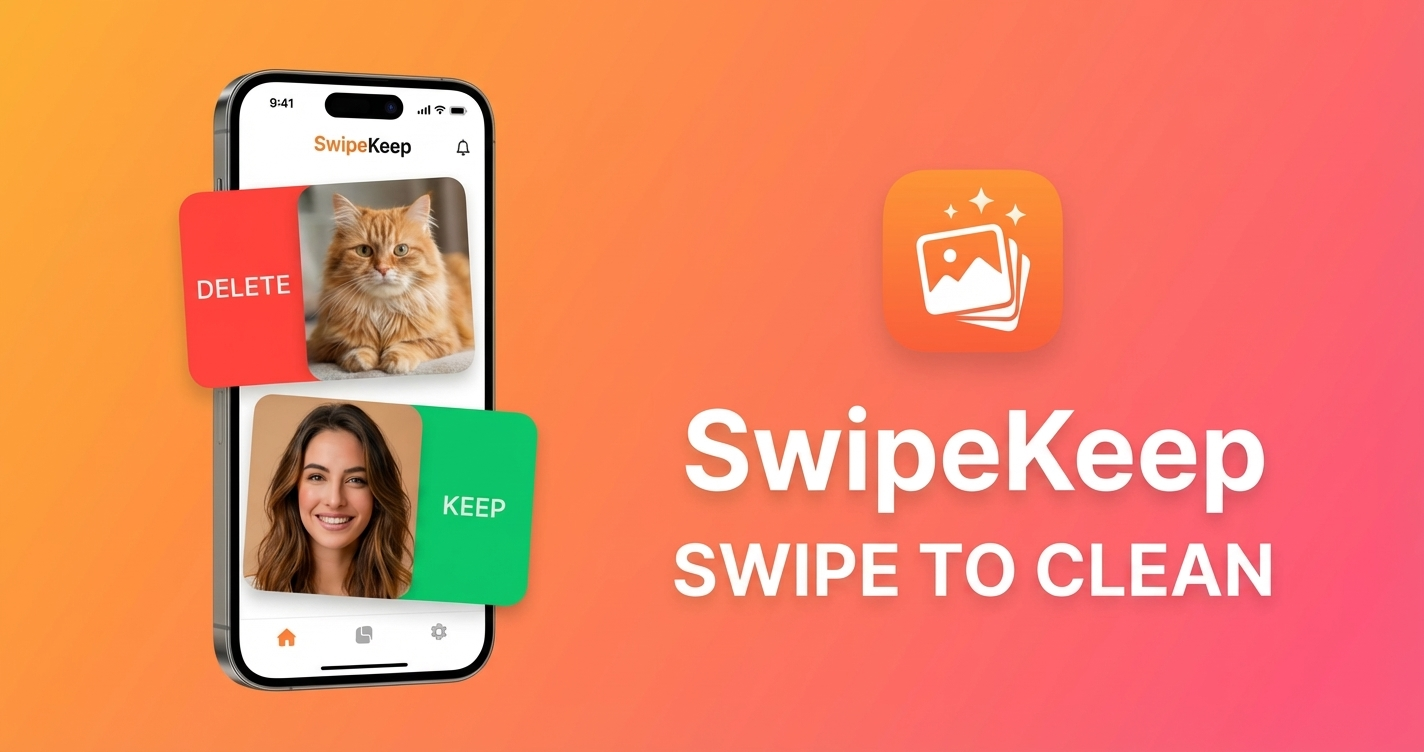
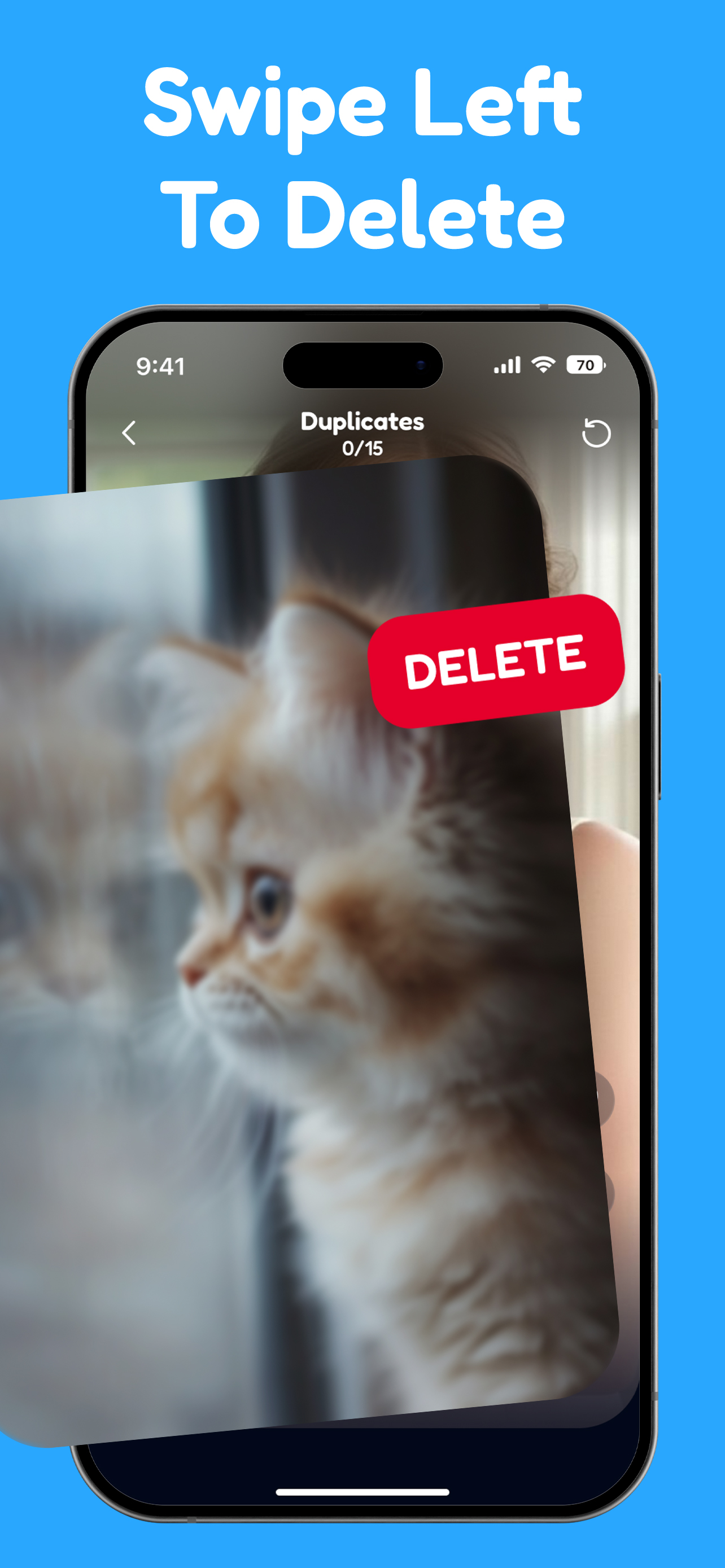
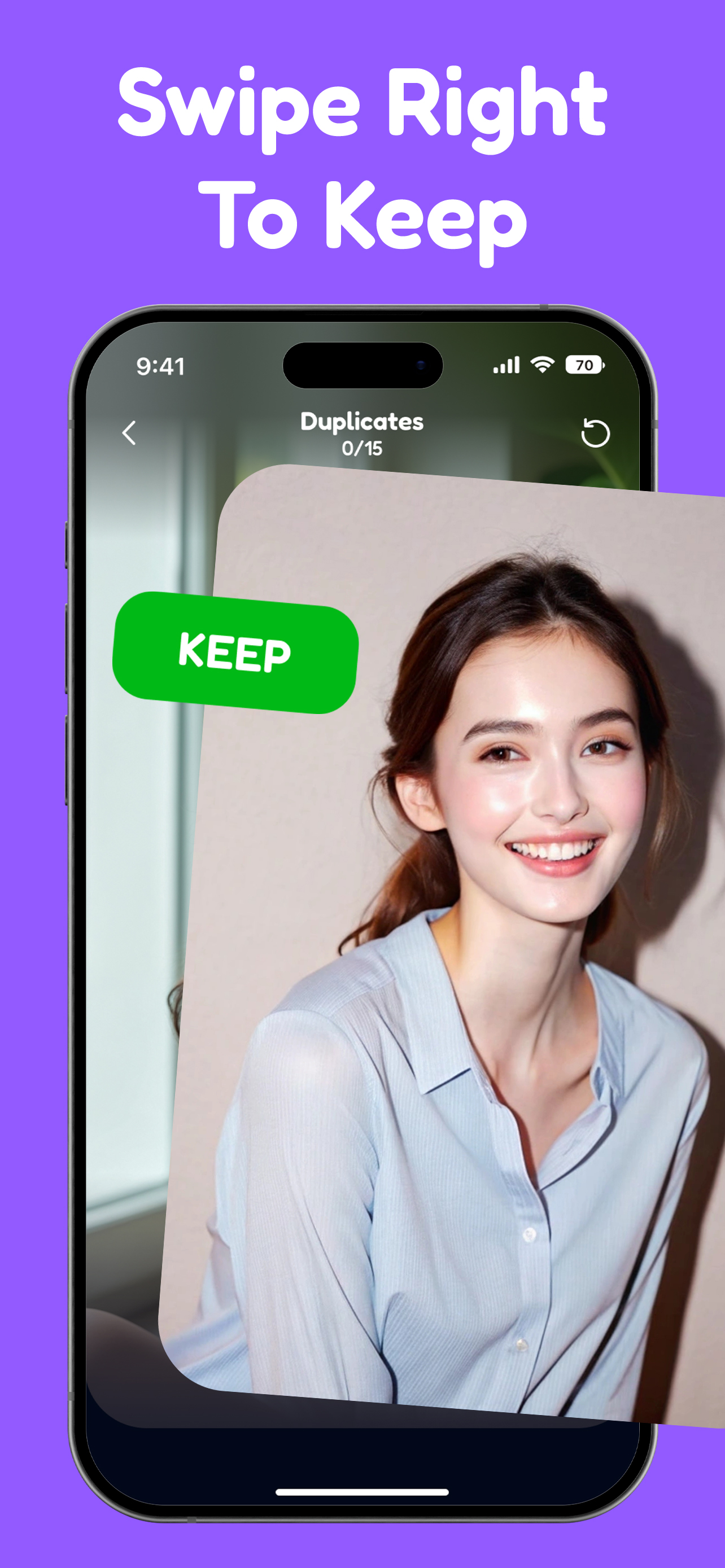
Swipe left to delete, swipe right to keep, and use AI tools to clean your gallery with less friction.

A swipe-first iPhone cleaner that helps you review photos faster, remove clutter, and reclaim storage.

Download on the App Store
SwipeKeep photo cleanup app preview

Benefit Summary

A quick overview of why this app feels approachable and useful for beginners.

A swipe-first iPhone cleaner that helps you review photos faster, remove clutter, and reclaim storage.

SwipeKeep turns photo cleanup into a faster, more intuitive routine by combining simple swipe actions, smart gallery filters, and AI-assisted duplicate review for iPhone users.

Availability

iOS

Why it works

Swipe left to delete, swipe right to keep, and use AI tools to clean your gallery with less friction.

Key features

The core learning tools that make EzPiano easier to start and easier to stick with.

Swipe-to-clean workflow

Review your gallery one photo at a time with quick left and right gestures that feel faster than manual selection.

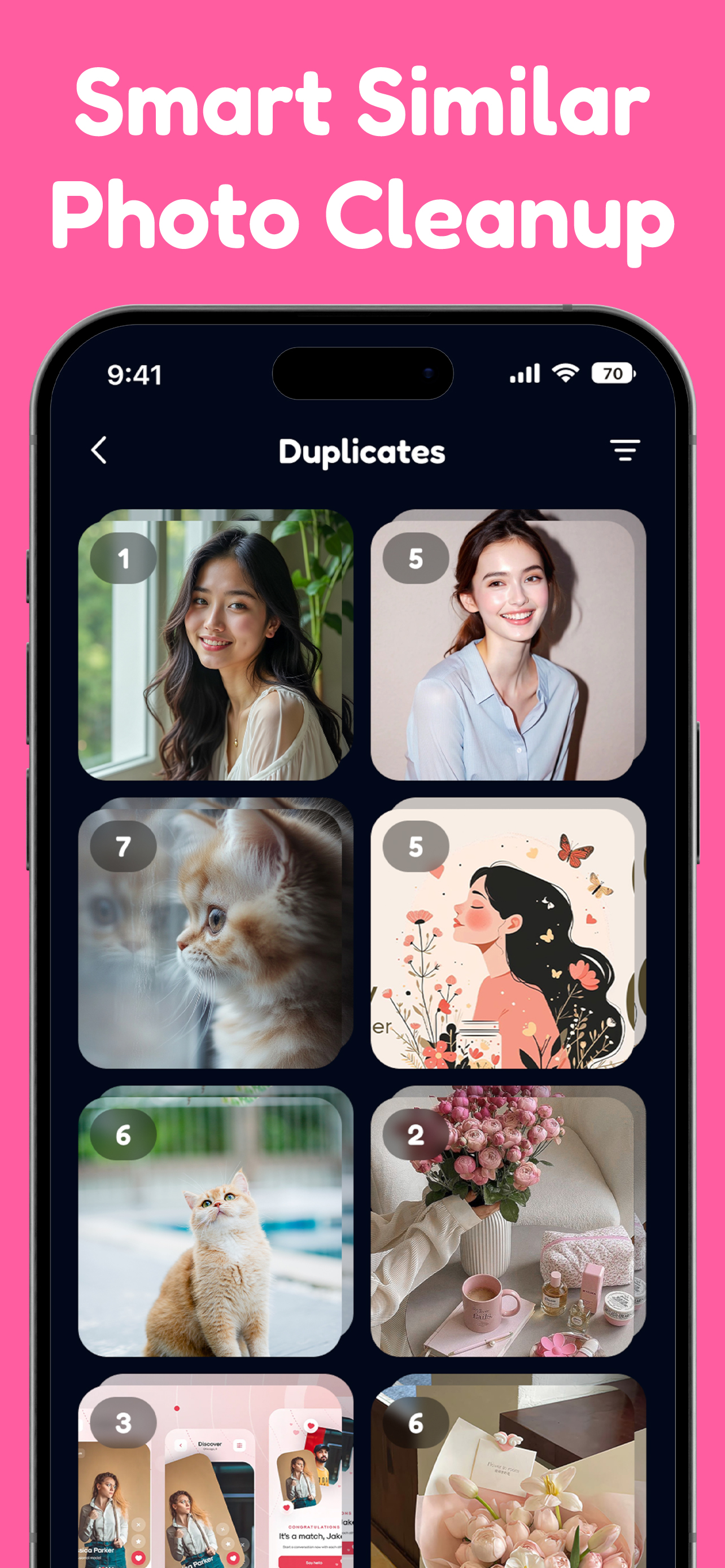
AI duplicate and similar photo cleanup

Use AI-assisted suggestions to spot duplicate photos and near-matches that are safe to review and remove.

Smart gallery filters

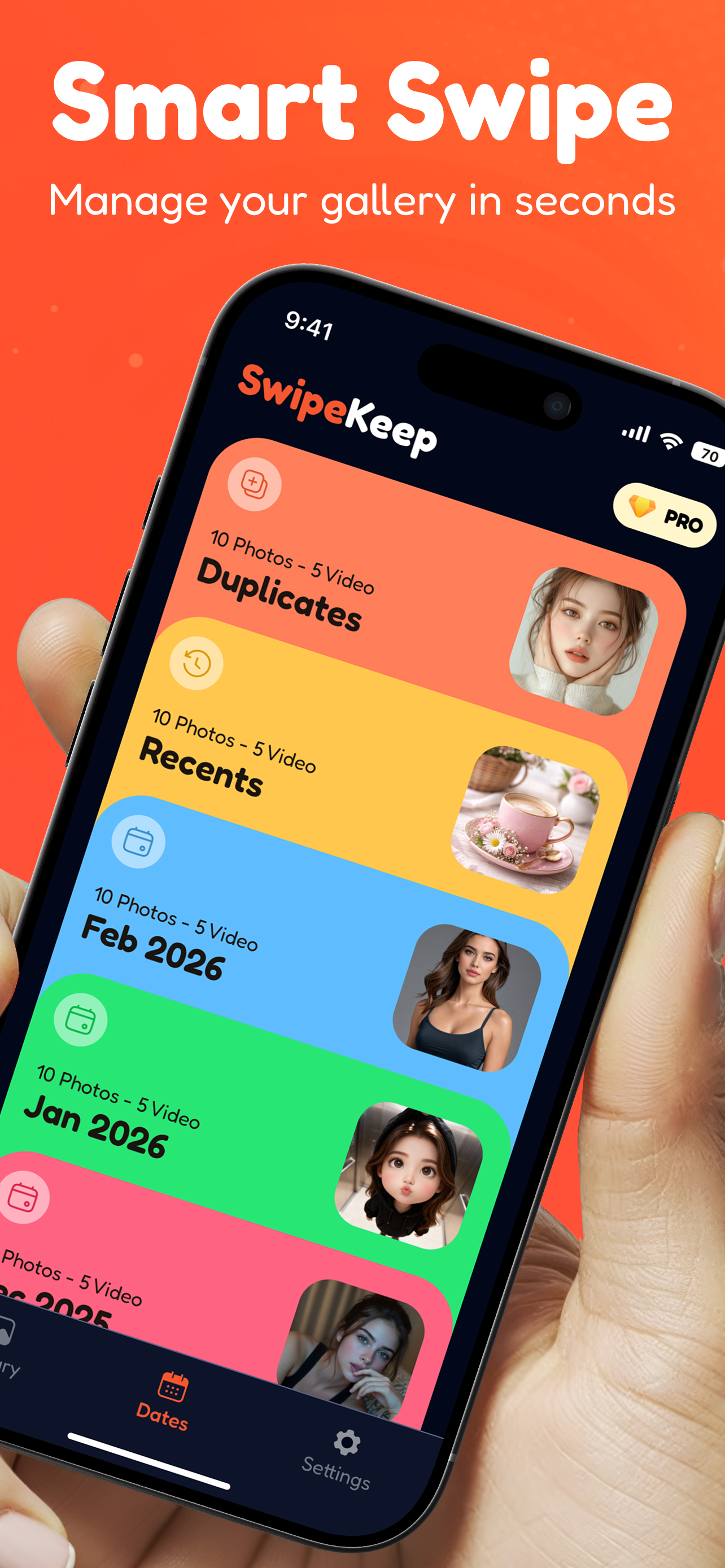
Browse by month or focus on screenshots, videos, and live photos so cleanup sessions stay organized.

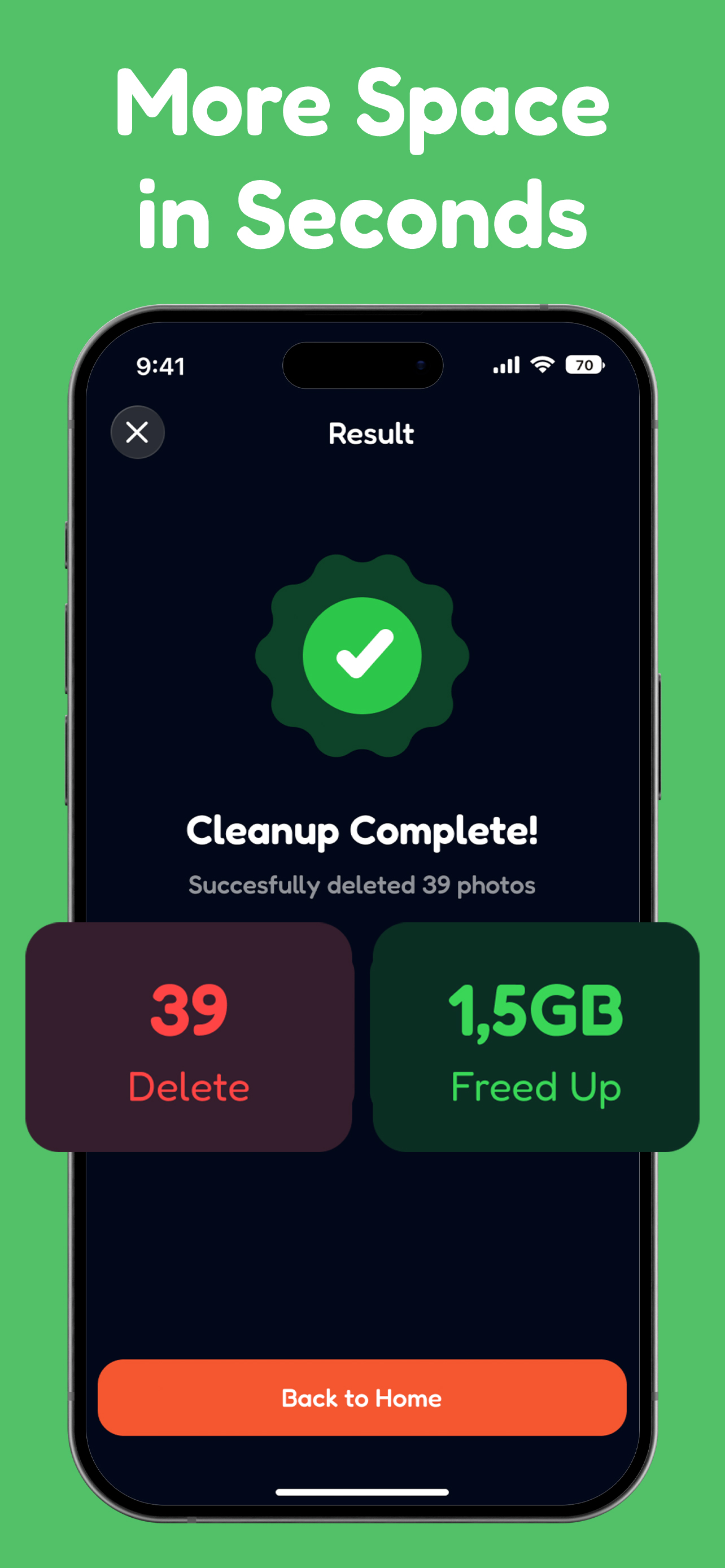
Storage progress tracking

See how much space you reclaim as you clean, making it easier to keep your iPhone gallery under control.

Who it is for

The kinds of learners EzPiano is built to support from day one.

iPhone users with crowded camera rolls

A good fit for people who save lots of photos, screenshots, and videos and want a faster way to sort them.

People trying to free up storage

Useful when your device is running low on space and deleting media manually feels too slow.

Users who want a safer cleanup flow

Designed for people who want review-friendly deletion with on-device processing and system-trash recovery.


FAQ

Answers to common questions before you start learning.

Is SwipeKeep available on Android?

No. SwipeKeep is currently available only on iPhone through the App Store.

How does SwipeKeep help me clean my gallery faster?

It combines swipe-based review, AI duplicate suggestions, and gallery filters so you can sort photos with less tapping.

Does SwipeKeep upload my photos?

No. The App Store description states that processing happens on your device and deleted items go to the system trash for safer review.

Support and privacy

Find the support route, developer details, and privacy information in one place.

Publisher

BlackCat Studio

Website

Ready to try Photo Delete Swipe: SwipeKeep?

Choose the store that matches your device and start learning right away.

Download on the App Store